
Opera
Opera is a free web browser for Windows from Opera Software. The stable release is 136.0.6008.22, published on 17 September 2026.
133.1 MB

Firefox ESR is Mozilla's Extended Support Release of Firefox for Windows, aimed at organisations that need a stable browser with security updates.
Average 0.0 · ratings: 0
Thank you! Your rating is saved; you can change it. Could not save the rating. Please try again later. Too many ratings from your network today. Please try again tomorrow. The average appears after 5 ratings.
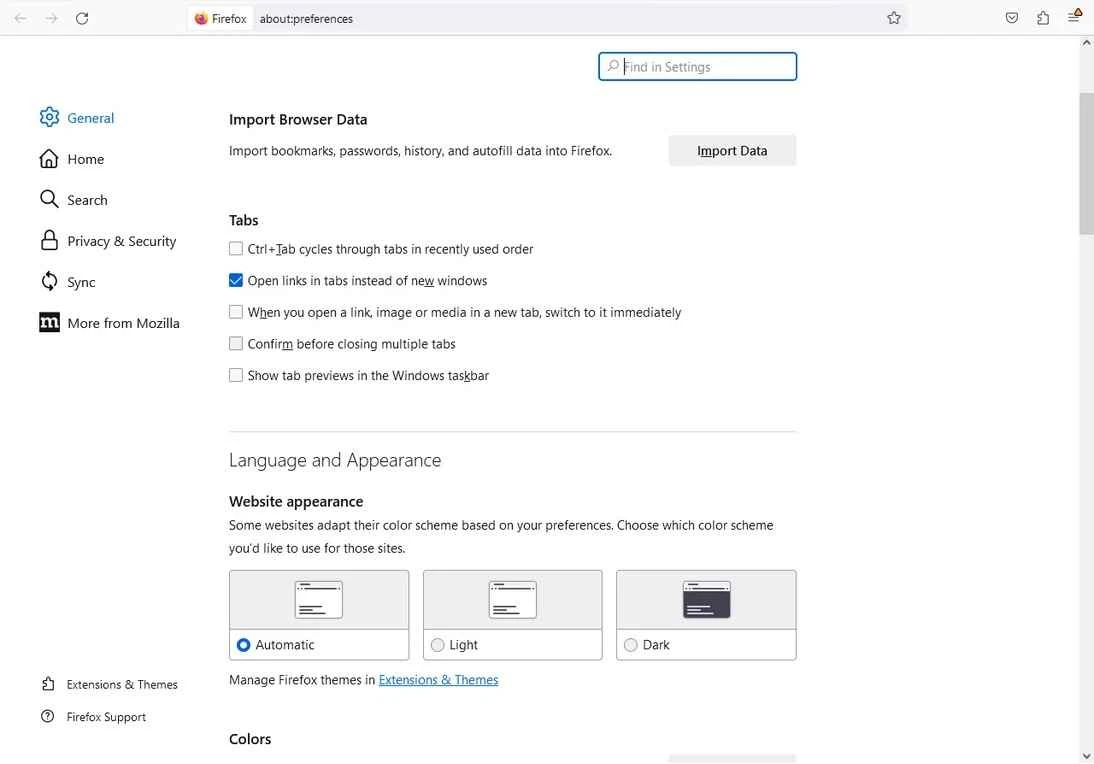
Firefox ESR 140.16.0 is the Extended Support Release of Mozilla Firefox for Windows, the edition of the browser that Mozilla maintains for enterprises and other organisations. It changes features less often than regular Firefox while still receiving security fixes, and you can download Firefox ESR for free from Mozilla.
| Component | Windows | macOS |
|---|---|---|
| Operating system | Windows 10 or later, 32-bit and 64-bit | macOS 10.15 or later |
| Processor | 1 GHz or faster compatible processor or SoC | Intel x86 or Apple silicon |
| Memory | 1 GB RAM; 2 GB for the 64-bit version | 512 MB RAM |
| Disk space | 500 MB | 200 MB |
On GNU/Linux, glibc 2.17 or higher is required (2.28 or higher on arm64), according to Mozilla's ESR requirements page.
| Item | Details |
|---|---|
| Version | 140.16.0 |
| Developer | Mozilla Corporation |
| Edition | Extended Support Release |
| Systems | Windows, macOS, Linux |
| Licence | free software |
| Size | about 69.90 MB according to catalogue data |
Regular Firefox receives new features in frequent releases. The Extended Support Release keeps one feature set for a long period and only adds security and stability fixes on top, which is why its version number, 140.16.0 here, shows many minor updates to the same base version. For an IT department this predictability is valuable: extensions, internal web apps and policies can be tested once and then relied on, without surprises every few weeks. Schools, libraries and companies with managed computers are the typical users. For an individual, ESR also makes sense if you dislike interface changes or run a specialised setup that must stay the same. The trade-off is that you receive new features later than everyone else, so if you enjoy trying new things, regular Firefox is the better fit.
Mozilla describes the current ESR line in its latest ESR notes, and all changes are listed in the Firefox release notes.
Each ESR line is eventually replaced by a newer one, and Mozilla overlaps the old and new lines for a while so organisations can test before switching. Put the change in your calendar, test your extensions and internal web applications on the new line during that overlap, and move everyone over before the old line stops receiving fixes. Home users who chose ESR simply need to accept the upgrade when it is offered.
ESR is not an "old" browser: it receives the same security fixes as regular Firefox. Problems arise only when updates are switched off, so do not block them. Download Firefox only from mozilla.org.
Our listings include regular Mozilla Firefox and its portable edition, and Google Chrome, Microsoft Edge and Waterfox, other browsers for Windows.
Opera is a free web browser for Windows from Opera Software. The stable release is 136.0.6008.22, published on 17 September 2026.

UC Browser for Windows is the desktop version of the web browser from UCWeb, a Chinese mobile internet company.

Google Translate is Google's multilingual machine translation service, used on Windows through the website and a browser extension.

Microsoft Edge is Microsoft's web browser, preinstalled on current Windows versions and available as a free download for reinstalling or updating.

Mozilla Firefox is a free and open-source web browser developed by Mozilla, available for Windows, macOS, Linux, Android and iOS.

Google Chrome is the free web browser from Google. The stable Windows release is 154.0.8037.58, out since 22 September 2026.

Cent Browser is a free Chromium-based browser for Windows from Cent Studio that adds mouse gestures, tab tweaks and other power-user options.